How do I delete a page I edited?
You can delete any page through the dashboard view.

- From the dashboard, find the page you want to delete, and click the "Delete" link.
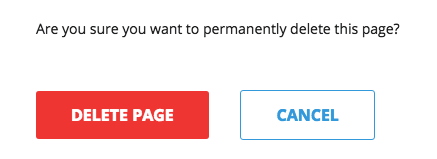
- Confirm by clicking "Delete Page".
- That's it. The page is now gone. Remember that this action is irreversible.